

Specialized Frigidaire Appliance Repair in San Francisco
Mon–Sat: 8:00 AM – 7:00 PM
Touch keys that ignore your finger, beep without heating, or react on their own usually have a cause you can narrow down. Here is how to tell the simple ones from a failing panel.
The kettle is on the counter, the pan is on the glass, and you press the power key. Nothing. Or the cooktop beeps but no zone lights. Or one zone turns itself on while you wipe the counter. Touch panels fail in a handful of recognizable ways, and several of them have nothing to do with a broken part. This note walks through what each behavior usually means, what you can check without opening anything, and when the panel needs a visit.
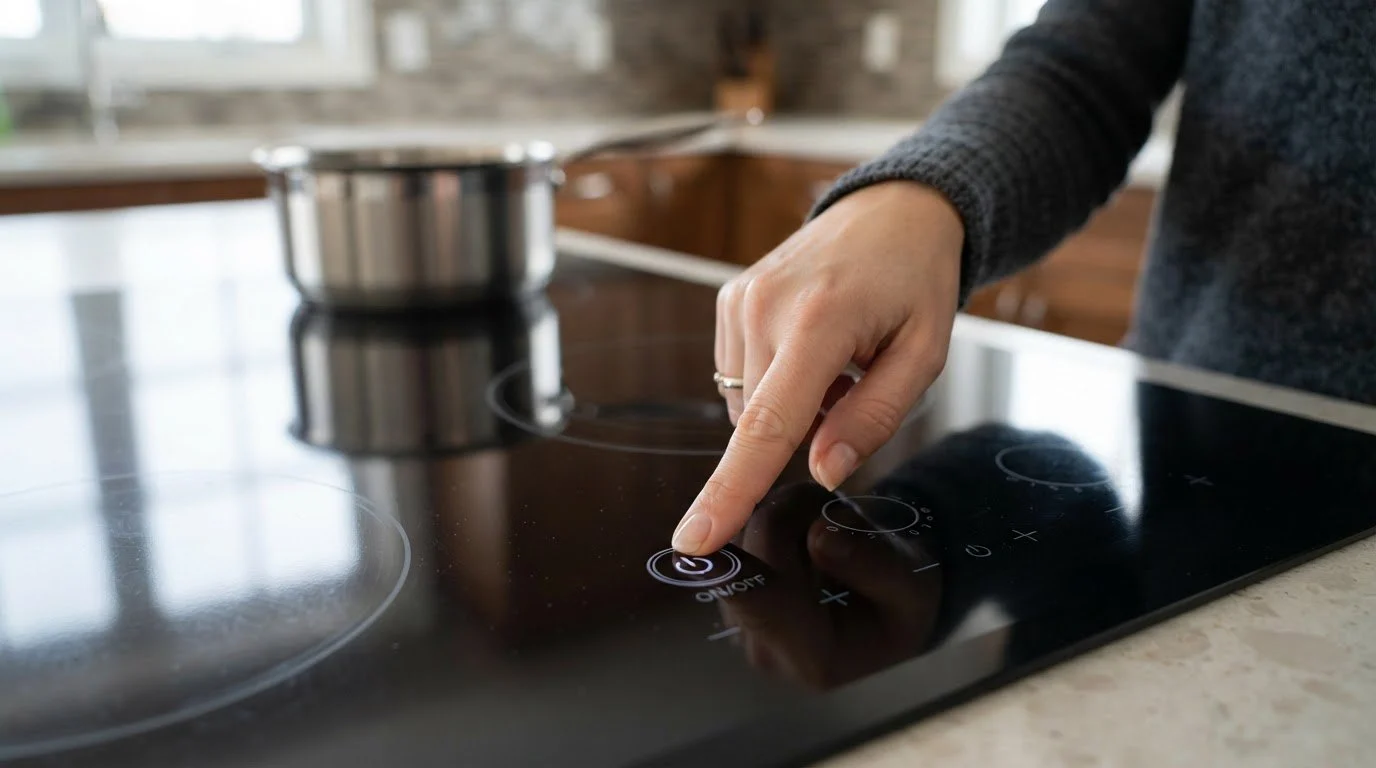
The keys on a glass cooktop are not buttons. They are sensing areas that detect the small electrical change when a finger rests on the glass. A key board under the surface reads those areas and passes the commands to the main control, which then powers the zones. Because the sensing is so sensitive, water, grease, a pot lid half on the panel or a wet cloth can look like a stuck finger. It also means a board that has aged, or a ribbon connection that has loosened, can produce keys that stop answering.
Start with the lock. Many Frigidaire cooktops have a control lock that disables every key. If the lock icon is lit, hold the lock key as the display directs and try again. If there is no lock icon and the display is dark, the cooktop may have lost power, so check the breaker and the junction supply before blaming the glass.
A beep means the panel registered the touch. A zone that stays cold after that can mean a hot-surface or zone fault, an induction-specific error, or a relay that is not closing. Read the display and write down any code shown.
Moisture is the usual cause: a spill creeping toward the panel, steam from a pot or a wet sponge left on the glass. If the problem stops when the panel is clean and dry, the surface was reading false touches. If it keeps happening on a dry panel, the key board is suspect.
One dead area, or keys that need to be pressed hard, suggests a failing sensing area on the board rather than a general power problem. This often worsens slowly over weeks.
Do not lift the glass, pry the trim or open the control housing, and do not test the panel with anything metallic. If you smell burning, see sparks or notice the glass is cracked, switch the cooktop off at the breaker and stop using it.
Some cooktop codes name the panel directly. Code 11 means a jammed key on the touch panel, which is the one you see when a key reads as pressed for too long, often from moisture or a pot on the glass. Code 14 means the touch panel tail is missing, which describes a loose or disconnected ribbon between the panel and the board. Code 15 is an electronic surface control self-test failure. On induction cooktops, code 21 signals a communication problem on the internal network, meaning the panel cannot talk to the zone electronics. Each listed code page explains what it describes, but the meaning only narrows the search; a technician confirms it.
On a radiant electric model such as the Gallery GCCE3049AS, touch trouble is nearly always the panel or its connection, because the zones are simple heating elements. On an induction surface, the same dead keys may come from a communication fault with the induction housing underneath, which is why the induction error numbers are more varied. Telling us which type you have, and the model on your label, shortens the diagnosis. For larger installs, the GCCE3670AD is a wider cooktop in the same Gallery line, and its panel is checked the same way.
In Bay Area apartments and condos, the cooktop often shares a counter run with a sink, and a splash during cleaning is enough to confuse a panel. Landlords and property managers who see repeat complaints on the same unit should note whether the keys fail only after wiping, because that points to a seal or a surface issue rather than a dead board.
We start by reading the stored code and watching how each key responds. We check the panel connection, the key board and the main control, and we look for moisture tracks under the glass edge. You receive a written estimate before any repair, and nothing is replaced without your approval. If you want the whole picture of the service, see Frigidaire cooktop repair and the Frigidaire cooktops guide.
The beep shows the panel accepted your touch. A cold zone after that can mean a zone or hot-surface fault, a relay problem or an induction error. Check the display for a code and note it before calling.
Yes. Water, grease or a wet cloth on the glass can read like a finger and trigger or jam keys. Wipe the glass dry, clear the control area, and test again before suspecting a part.
One controlled reset is reasonable because it lets the control restart. If the keys still do not respond, repeating it will not help and a technician should look at the panel.
It can. The panel talks to the induction electronics underneath, so a dead key may be a communication fault. That is why codes such as 21 appear on induction models.
Not if zones turn on unexpectedly. A zone that starts by itself is a safety risk, so switch the cooktop off at the breaker until it has been checked.
Share a few details and we’ll confirm an appointment. Prefer to talk? Call us and we’ll help right away.